Make Android feel like a workstation
Re:T-UI is a command-first Android launcher: part home screen, part terminal desk, part configurable control panel. This guide walks users through the first commands, the settings hub, customization, modules, notifications, Termux scripts, and where to go when something needs troubleshooting.
The home screen is also the command line.
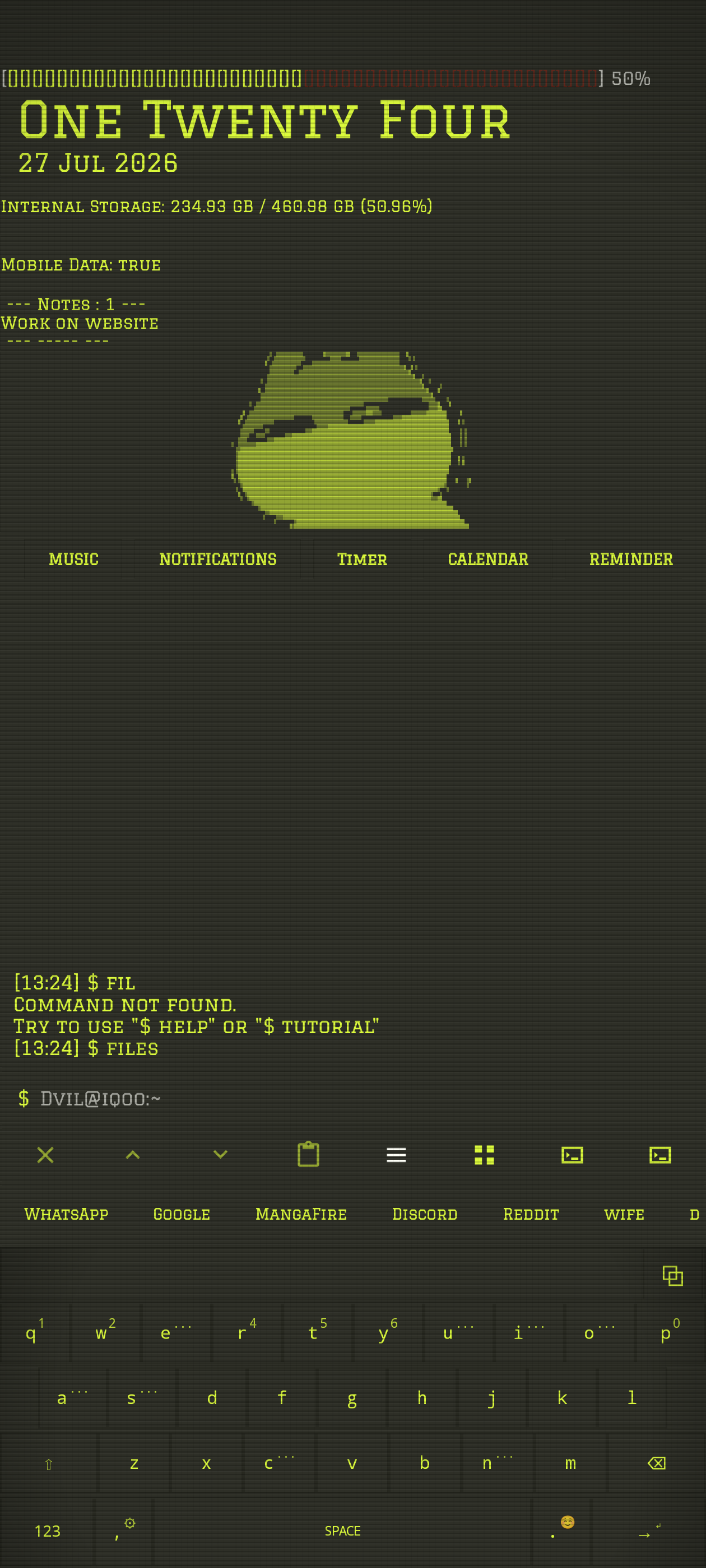
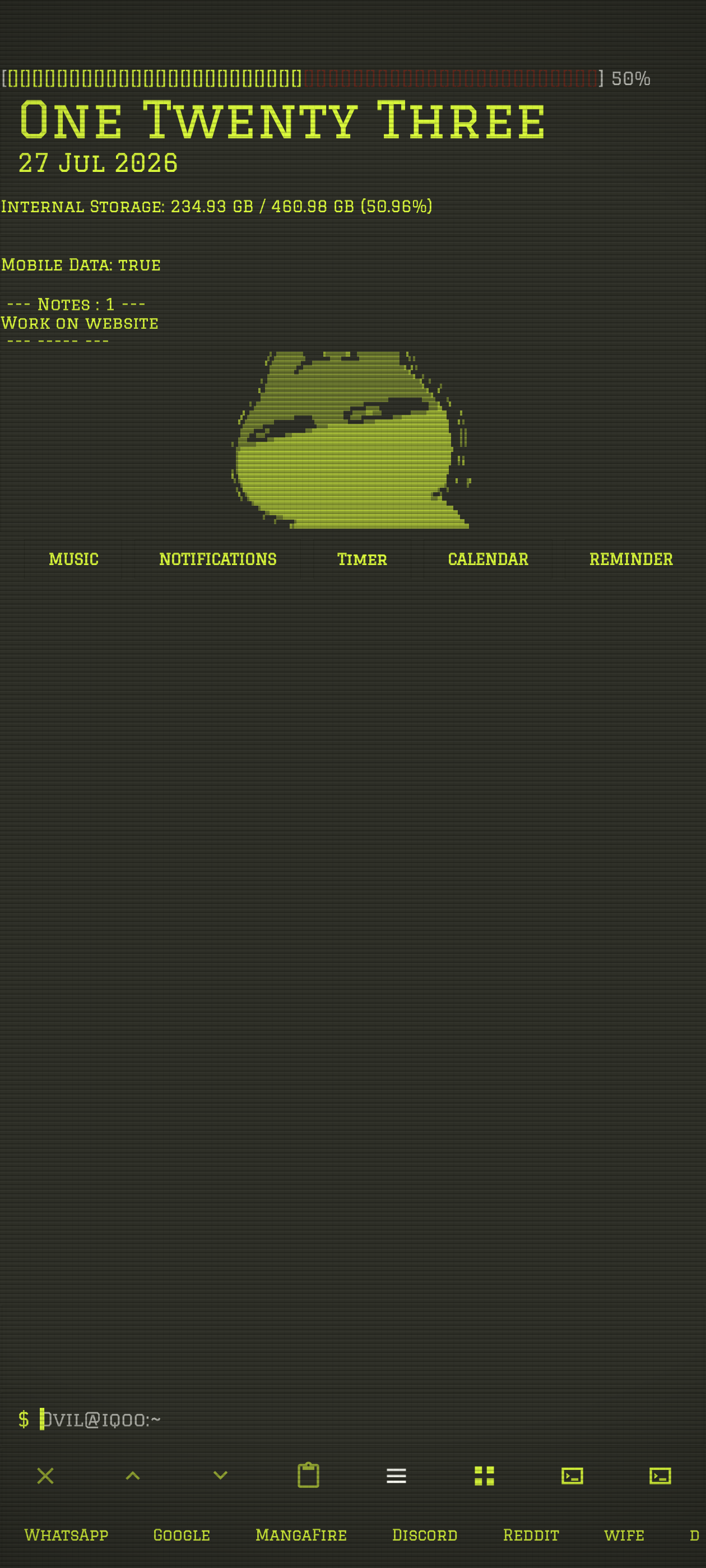
When Re:T-UI opens, it drops you into a terminal-style launcher. You can launch apps by name, type commands directly, use suggestions under the prompt, or open friendly surfaces such as settings and files.
The fastest way to learn the shape of the system is still the simplest terminal move: type help. For a focused explanation, type help <command>, such as help alias, help wallpaper, or help module.
$ help wallpaper
$ settings
$ files
Memorize a few commands, then let suggestions carry the rest.
Re:T-UI rewards a small starter vocabulary. Once those commands are familiar, aliases and suggestions can turn longer workflows into short words you actually remember.
settingsOpen the terminal-style settings hub for appearance, behavior, integrations, fonts, and presets.
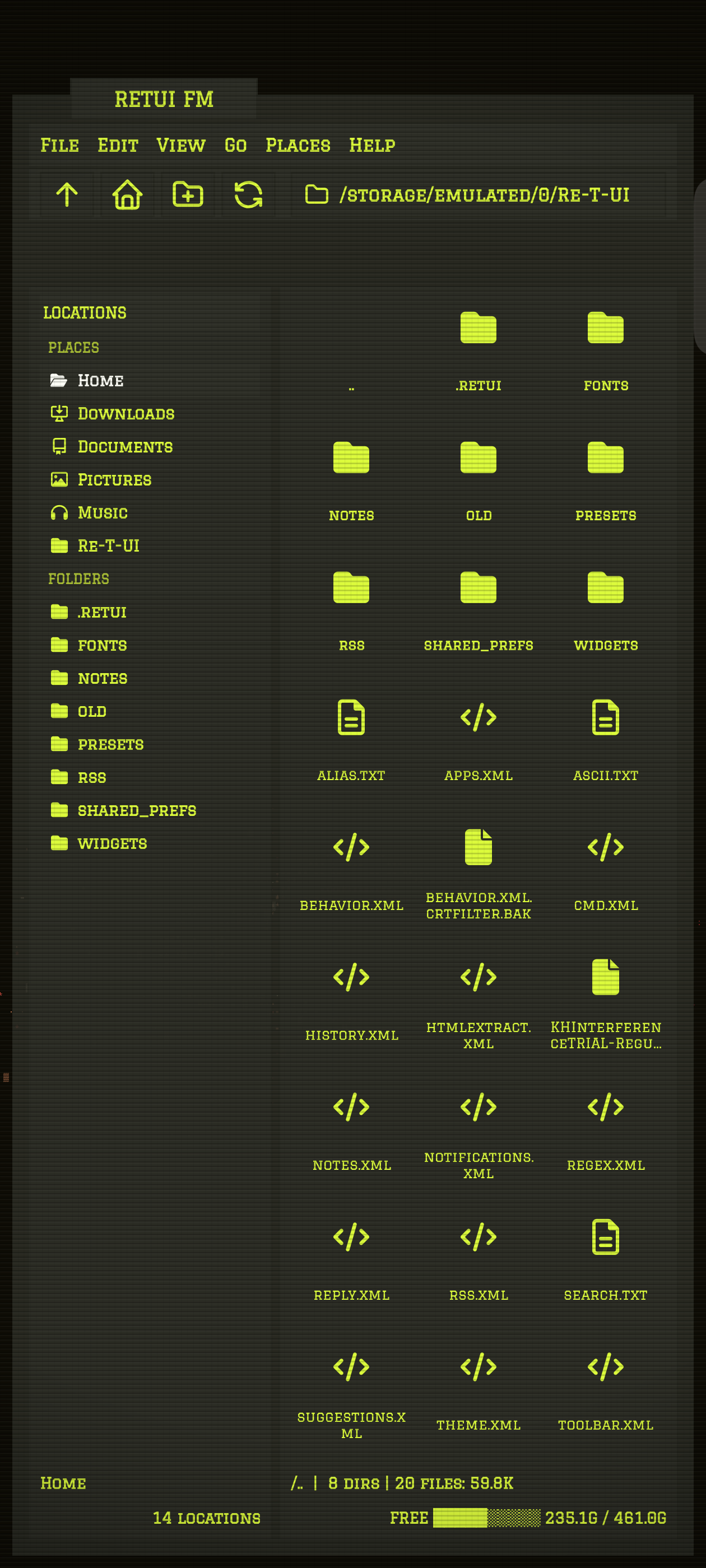
filesOpen Re:T-UI Files for navigation, opening, sharing, and future config editing.
apps -lsInspect app visibility, details, groups, and drawer state.
wallpaper -autoDerive a coordinated theme palette from the current wallpaper.
preset -save nameSave a stable theme snapshot after you like the look.
module -lsList built-in and script-backed terminal modules.
notifications -accessOpen Android notification access so Re:T-UI can display notification state.
termux -setupPrint the checklist for script dispatch through Termux.
debug -settingsInspect effective runtime settings when the UI does not match what you expected.
Use the settings hub first. Keep the files for power moves.
The settings hub is the friendly front door. It keeps Re:T-UI's terminal styling while grouping setup into Appearance, Behavior, Personalization, Integrations, and System & Support.
Power users can still edit the Re:T-UI folder directly. Important files include theme.xml, ui.xml, behavior.xml, notifications.xml, apps.xml, cmd.xml, alias.txt, and ascii.txt.
wallpaper -auto, tweak colors, then save with preset -save name.restart for a clean visual reload.debug -theme or debug -settings when saved values and runtime behavior disagree.Small terminal panels turn phone state into instruments.
Modules are Re:T-UI-owned terminal panels. They are not arbitrary Android plugins; they are focused surfaces for status, controls, script output, and guided input flows.
Built-ins
Music, notifications, timer, calendar, and reminder are current built-in modules.
Reminder sessions
module -prompt reminder add asks for text, date, time, and confirmation inside the terminal input flow.
Script modules
Termux scripts can print text or structured lines like ::title, ::body, and ::suggest.
$ module -dock add notifications
$ module -add server termux:/data/data/com.termux/files/home/retui/server-health.sh
$ module -refresh server
Generate Termux-backed modules without guessing the plumbing.
The Re:T-UI module maker skill teaches Codex how to create launcher-friendly shell modules: scripts that print ::title, ::body, and ::suggest lines, keep expensive work in Termux only when needed, and let Re:T-UI own UI behaviors such as pagination, reply prompts, refresh chips, and quiet module controls.
It is especially useful for small status panels like battery, server health, progress bars, weather, ASCII output, and notification-style pagers where the launcher should render the surface and the script should stay focused on clean data.
Share the skill as a folder. A Codex user can install it by copying the folder below into their Codex skills directory.
SKILL.md
references/module-contract.md
references/linux-termux-programming.md
references/pagination-and-reply.md
Once installed, a prompt can be as small as: Use the retui-module-maker skill to build me a Tempo module.
Re:T-UI can dispatch scripts, but Termux remains the real shell.
The launcher is designed for non-interactive script runs. Use termux -run for scripts that print output and exit. Open Termux directly for editors, SSH, REPLs, and long interactive work.
TBridge handles Termux diagnostics, script runtime support, module refreshes, callback/token tests, and future helper installation. Re:T-UI Files handles file navigation.
termux -setup, then enable external commands in Termux properties.~/retui and make scripts executable.alias -add -s name path, then run termux -run name.Automation should stay inspectable. Prefer aliases, scripts, callbacks, modules, and webhooks that the user can read and edit.
Callbacks are token-gated and narrow. Re:T-UI accepts safe actions such as output, notify, and module updates. It does not accept arbitrary external command execution through callbacks.
The launcher keeps Android pieces visible without becoming ordinary.
Notifications
Use notifications -on, -off, -prev, -next, -open, and -reply. Bind reply actions with reply -bind app.
App drawer
Typing an app name launches it. Use apps commands to hide apps, show apps, inspect details, and build drawer groups.
Re:T-UI Files
Use files for a terminal-style file tree with commands like cd, ls, open, share, and refresh.
If notifications appear in the wrong place, remember that the notification widget and output terminal history are separate surfaces. Check notifications.xml and debug -settings.
Use the stable build, test the next build, or help shape the project in public.
Re:T-UI stays public because the launcher benefits from open development. The Play Store build is the polished everyday channel, while GitHub is the best place for issues, documentation, and reproducible reports.
Stable release
The Play Store build is the official consumer release and the cleanest normal-user path. Buying there is the simplest way to support ongoing development.
Donate command
Inside the launcher, run donate. Re:T-UI opens the current support destination from the app itself, so the link stays aligned with the installed build.
Free add-ons
Re:T-UI add-ons stay available through GitHub. Start with Re:TUI-FM for companion functionality without a separate purchase.
GitHub testing
Use GitHub issues for reproducible bugs, test notes, and release feedback before changes become stable.
GitHub and wiki
Read the source on GitHub, track docs in the wiki, and use public issues for reproducible bugs.
Module makers
Share the Codex skill folder with users who want a one-prompt path from idea to Termux-backed Re:T-UI module script.
Community testing
Small reports matter most when they include the command used, the module output, the Android version, and whether the build came from Play Store or a local test build.
Privacy policy
Read the privacy policy for camera, notifications, contacts, calendar, phone, location, Termux, backup, and preset behavior.
Quick fixes for common weirdness.
Tap an issue to reveal the shortest recovery path.
Theme stale
Run restart after visual edits so Re:T-UI reloads the active theme cleanly.
Auto color confusing
Run debug -settings, inspect the active values, then run preset -save name if you want to keep the current look.
Hidden apps showing
Check apps -lsh, confirm the app is hidden, then run refresh.
Notification access broken
Run notifications -access and allow Re:T-UI in Android notification access settings.