Type to launch. Use commands to shape what the launcher remembers.
The original RETUI surface: apps, drawer, settings, notifications, aliases, focus tools, media, and command workflows.

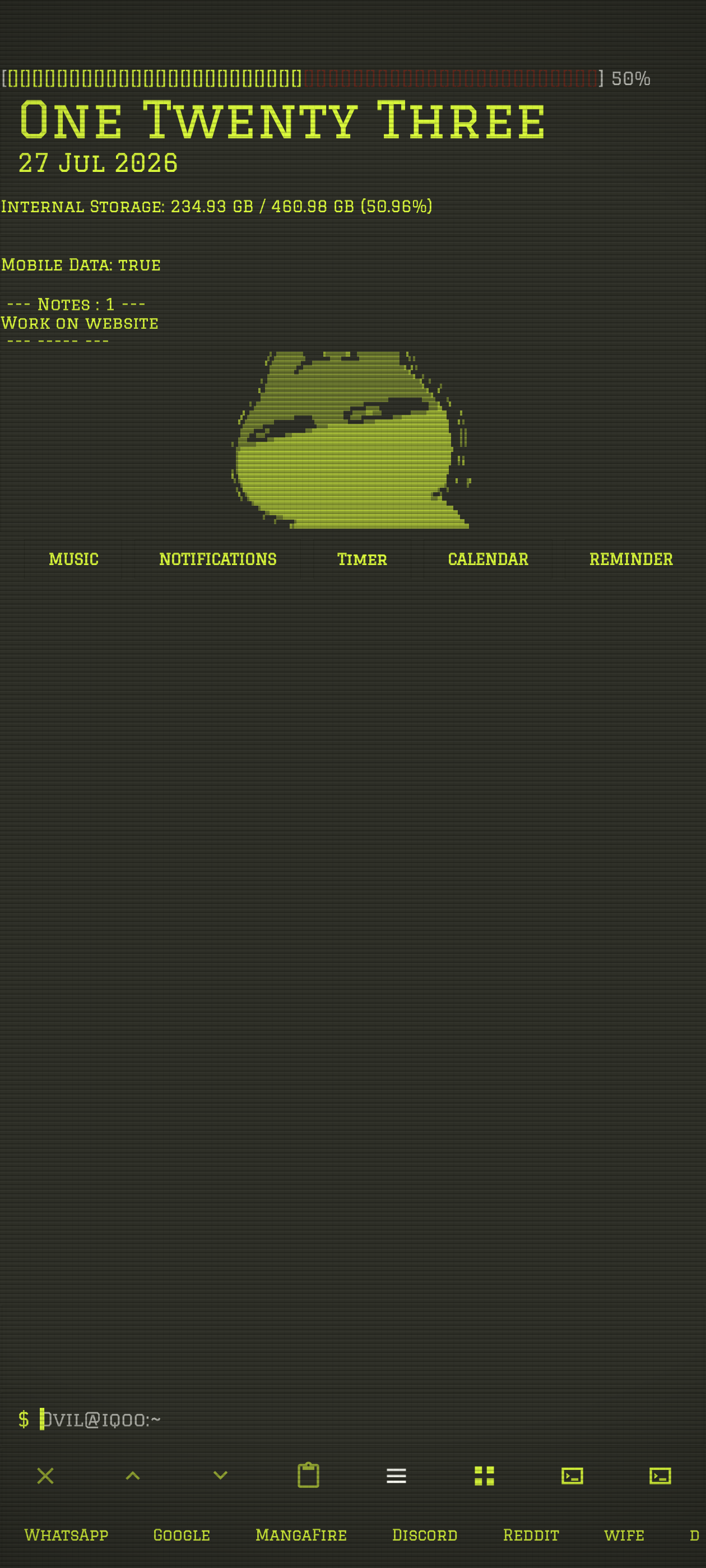
V2 Build 417 is the latest verified GitHub release (8 September 2026). Download Launcher or read the updated preset sharing guide.
Core surfaces
Type an app name or alias and press enter.
Open the drawer and browse visible apps.
Open the terminal settings hub for normal configuration.
Show, filter, open, and reply where Android allows it.
Turn repeated command chains into your own vocabulary.
Open Re:TUI-FM for file-manager work.
More than app launching
Run focus sessions or opt into a timed app lockdown with local friction controls.
Add RSS feeds, resume listening, and move through an ordered series from the launcher.
Open a local profile card and choose what to share when exporting it.
Save and switch launcher setups with their settings, modules, and command-facing configuration.
Choose and tune built-in live scenes including csakura and Black Hole, or use Android's wallpaper pickers.
Show animated or colored ASCII in the launcher header with fit and timing controls.